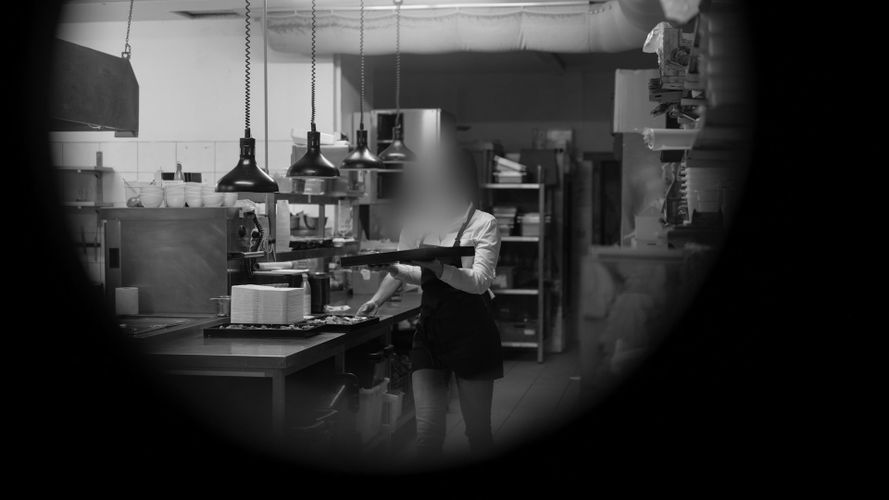
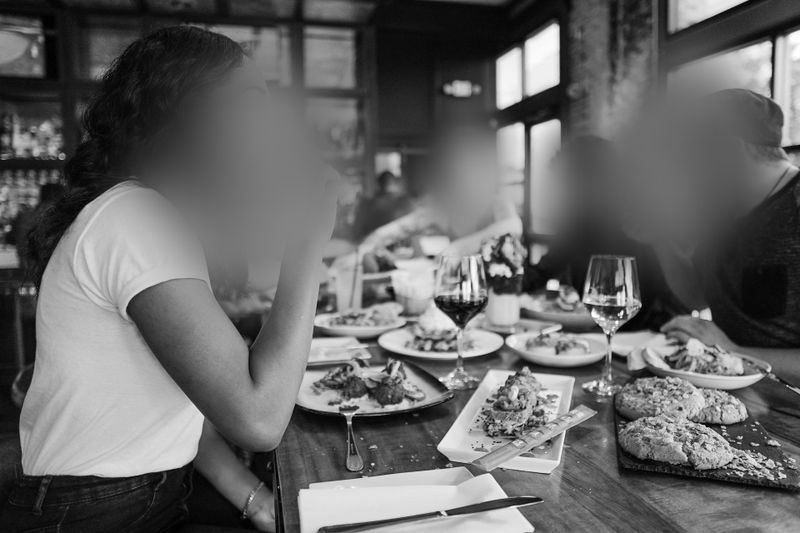
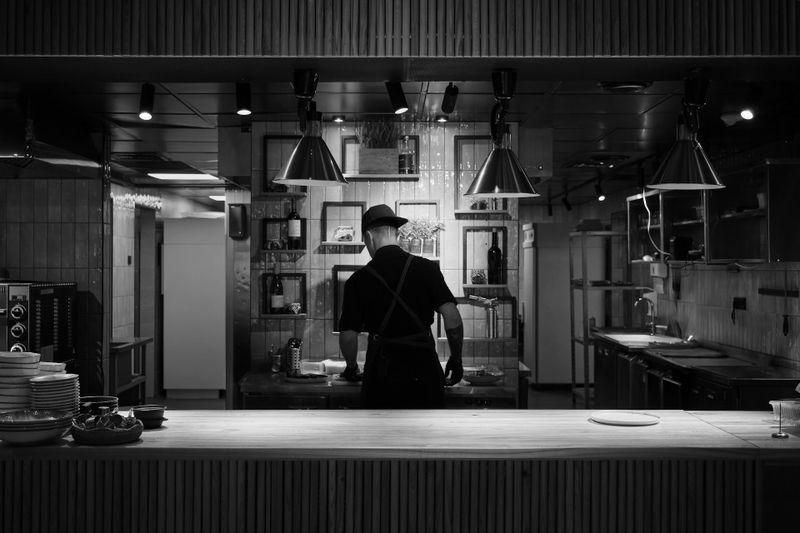
TL;DR: At US restaurants, cameras typically cover the kitchen, dining room, register, back of house, and delivery entrances - and a single recording can show employees, guests, drivers, and inspectors at once. Before that file goes to a health inspector, an insurer, an attorney, a franchisor, or the police, you need to decide what to show and what to blur. Gallio PRO automatically blurs faces and license plates, while documents, POS screens, or ID badges get redacted manually in the built-in editor - locally, with no detection logs. Download the free demo to test the process on your own footage.
Visual data anonymization is the practice of preparing photos and video so that people visible in the frame aren't easily identifiable before the material is shared further, published, or used in a dispute. In US restaurant and food service settings, this most often means face blurring, and sometimes license plate blurring too, when a camera covers a parking lot, a drive-thru, or a delivery zone.
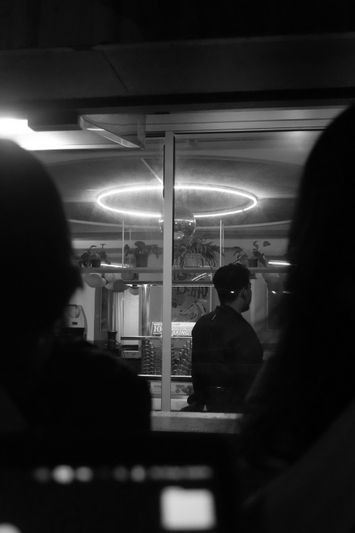
For restaurants, this isn't theoretical. Cameras cover the kitchen, dining room, register, back of house, and vendor entrances. That means a single recording can include employees, guests, drivers, contractors, and inspectors. When that file needs to go to a health inspector, an insurer, an attorney, a franchisor, or law enforcement, a practical question comes up: what to show, and what to blur.
Download the free demo →
There's no single federal statute in the US that resolves every CCTV question in food service. Typical compliance practice rests on a combination of factors: monitoring policy, retention rules, employment law, state and local regulations, and an assessment of the purpose of disclosure. The key question isn't only "is recording allowed," but also "does identification of the employee need to be limited before further sharing."
Employee footage more often needs anonymization once the material moves beyond a narrow operational purpose. If a manager reviews a recording after a safety incident or a customer complaint, that's usually an internal review. But once the same file is headed outside the organization, the risk rises - especially in situations where the employee's face isn't necessary for the purpose of disclosure.
A good example is a dispute over a theft in the stockroom. If the goal is showing the sequence of events, the movement of goods, and the time someone entered the room, fully identifying every person in the background isn't always necessary. In practice, organizations often consider blurring the faces of bystanders, and sometimes employees unrelated to the incident. That kind of limited exposure is usually a safer business approach than handing over the raw file to every stakeholder.
Employee Monitoring and State Wiretapping Laws: Why Audio Changes the Risk Assessment
At many restaurants, the owner thinks of monitoring as plain CCTV. But from a legal-risk standpoint, video and audio need to be separated. Video recording alone in public-facing and working areas of the venue is often assessed differently than recording employee conversations. In some states, wiretapping and communications-recording laws can tighten requirements, especially when cameras also capture audio [1][4].
That points to a simple operating rule. If the restaurant doesn't need audio, turning it off often reduces risk. If audio is active, before sharing material you also need to check whether the scope of disclosure is justified and whether staff conversations are being unnecessarily disclosed. This article focuses on visual data, so the safest practice is to evaluate video and audio separately, and to minimize sharing of raw video files.
A request for kitchen footage doesn't automatically mean handing over the entire unedited recording from a full shift. First, it's worth clarifying the scope of the request: which day, which camera, which time window, and what purpose. If an inspector is investigating a specific sanitary incident, organizations often limit the material to the segment needed to document the event [3].
The second step is assessing whether employees' or third parties' faces are necessary for that purpose. If not, face blurring is often a sensible approach. The same goes for license plates visible through a back exit or delivery zone. The third step is preserving a copy of the original under company control with restricted access, and handing over the redacted version wherever the purpose doesn't require full identification.
A tool like Gallio PRO is useful for this kind of workflow, used for visual data anonymization of photo and video files. It's worth being clear, though: the software automatically blurs faces and license plates - not documents, screens, logos, tattoos, or name badges. Those elements can be hidden manually in a simple editor. Per the manufacturer's information, the program doesn't perform real-time anonymization or video-stream anonymization, and doesn't collect logs containing face or license plate detection data or other personal data [5].
The most common mistake is assuming that because the footage came from your own camera, it can be shared further without limits. In practice, it's safer to work through a simple decision matrix.
Situation | Purpose of disclosure | What's usually worth considering |
Sanitary inspection in the kitchen | Assessing procedures and the sequence of events | Limit the recording's duration, blur faces of people unrelated to the matter, hide plates if visible in frame |
Dispute over theft or inventory shortage | Documenting the incident | Leave the key person and sequence of events visible, blur bystanders and background irrelevant to the case |
Employee claim over hours worked or pay | Establishing presence and sequence of actions | Cut only the relevant segment, consider blurring customers and other employees |
Handover to police or an insurer | Evidence of the incident | Check whether full identification of everyone is needed; if not, prepare a redacted working copy |
This table doesn't replace legal analysis. It does show a practice that helps reduce the scope of visual data disclosure without losing the material's evidentiary value.
Wage Theft, Time Theft, and Theft Disputes: Why Minimization Matters
In food service, footage often gets used in disputes over clock-in/clock-out times, cash handling, food distribution, and access to back-of-house areas [2]. In these cases, video is often helpful, but full visibility of every face across an entire shift is rarely necessary. The more people visible in a recording, the greater the risk of the file being reused beyond its original purpose.
Sound practice includes:
- selecting the right time window,
- preparing a working copy,
- blurring the faces of bystanders,
- manually hiding names on badges, POS screens, or documents incidentally visible in frame,
- keeping control over the original.
You can test this model for free on typical footage from the back of house, the kitchen, or a delivery drop-off zone.
See how Gallio PRO anonymizes video footage.
When a restaurant receives a request from law enforcement, the first instinct is often to immediately send a full system export. That's not always the best operational practice. It's worth first confirming the basis for the request, the time range, and the case number. Then assess whether the original needs to be handed over, or whether an auxiliary redacted copy can also be prepared for internal communication, counsel, an insurer, or corporate headquarters.
In many cases, the biggest problem isn't the main person on the footage, but the incidental faces of customers and staff in the background. Face blurring reduces excess disclosure in working copies or material shared beyond what's necessary for the purpose. If the camera covers a parking lot or drive-thru, license plate blurring reduces exposure of vehicle data. Keep in mind that Gallio PRO doesn't blur full silhouettes and doesn't automatically detect documents, screen content, tattoos, company logos, or name badges. Those elements require manual redaction in the editor.
On-Premise Software for Restaurants and Franchise Chains
For some operators, it matters that footage processing happens locally rather than through an external online service. On-premise software matters especially where monitoring covers the kitchen, the cash area in back of house, delivery zones, or multiple franchise locations. In that model, it's easier to control who has access to the original and to the redacted version.
It's also worth highlighting the retention and system-trace aspect. The manufacturer states that Gallio PRO doesn't collect logs containing face or license plate detection data, or logs with personal or sensitive data. That's an important operational feature for organizations that don't want to create an additional data layer about who was detected where in the material.
If a restaurant operates as a larger chain, needs a local deployment, a multi-location procedure, or a customized redaction process for surveillance material, it's worth contacting the team about a deployment model and workflow.
It's not worth handing over a full day of footage when the matter concerns five minutes. It's also not worth mixing a security purpose with a marketing purpose. Kitchen material recorded for safety or operational compliance shouldn't automatically end up in external communications.
It's equally risky to assume an automated tool will detect everything. Precision matters here. A tool can automatically blur faces and license plates, but not "all personal data in the frame." If a video shows an order screen, a shift schedule, an employee badge, a delivery document, or a tattoo, additional human review and possible manual redaction are needed.
A Practical Standard for a Small Restaurant and a Multi-Site Operator
The most useful standard is simple. First, establish the purpose of using the footage. Then limit the time range and number of cameras. Next, prepare a working copy with anonymization of bystanders. Finally, keep the original under strict control and maintain a basic record of who received the material and why. This model doesn't eliminate every risk, but it typically demonstrates sound organizational discipline.
FAQ: Surveillance Cameras at US Restaurants and Food Service Businesses
Does every health inspector request mean you must hand over raw footage?
Not always. It's often worth clarifying the scope and purpose of the request first. In practice, many organizations limit material to a specific time, camera, and event, and consider anonymizing people unrelated to the matter.
Does an employee's face in the kitchen always need to be blurred?
Not always. It depends on the purpose of sharing the footage. If identifying the employee isn't necessary to assess the incident, face blurring is often a sensible way to minimize disclosure.
Can footage be handed to police without anonymization?
It depends on the context of the case and the basis for the request. In practice, it's worth distinguishing between an original preserved for evidentiary purposes and working copies used internally or in communication with other parties.
Does Gallio PRO blur entire people?
No. The software automatically blurs faces and license plates, not full silhouettes.
Does Gallio PRO automatically detect documents, screens, and name badges?
No. The program doesn't automatically detect documents, screen content, company logos, tattoos, or name badges. Those elements can be hidden manually in the editor.
Does Gallio PRO work in real time on a CCTV stream?
No. The software doesn't perform real-time anonymization or video-stream anonymization.
Does the tool store logs with detected faces or plates?
Per the manufacturer's information, Gallio PRO doesn't collect logs containing face or license plate detection data, or logs containing personal or sensitive data.
Written by the Gallio PRO team - data-protection and video-engineering specialists building anonymization software used in food service, workplace safety, and retail workflows. This article is general information, not legal advice.
Preparing footage for a health inspector, the police, or an insurer? Test the process on your own files. Download the free Gallio PRO demo →