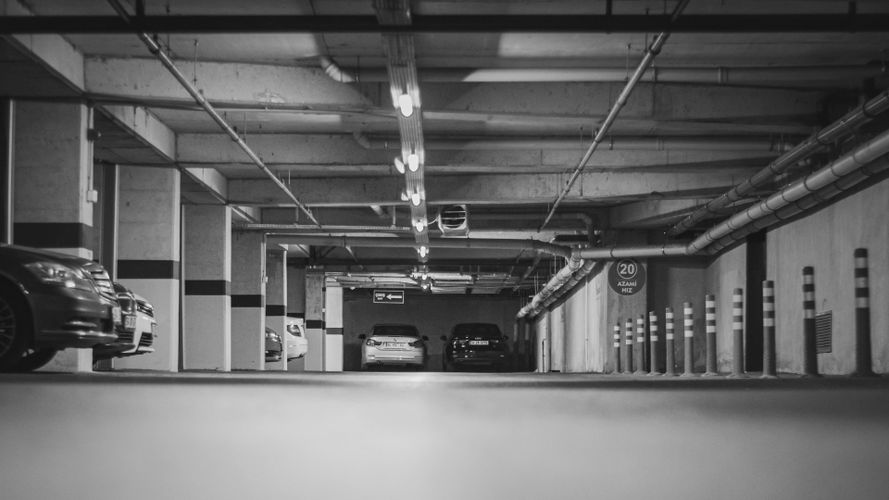
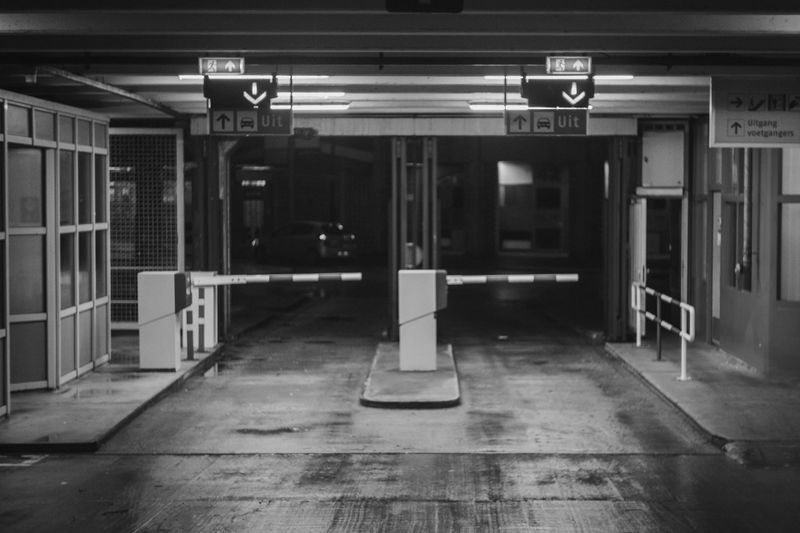
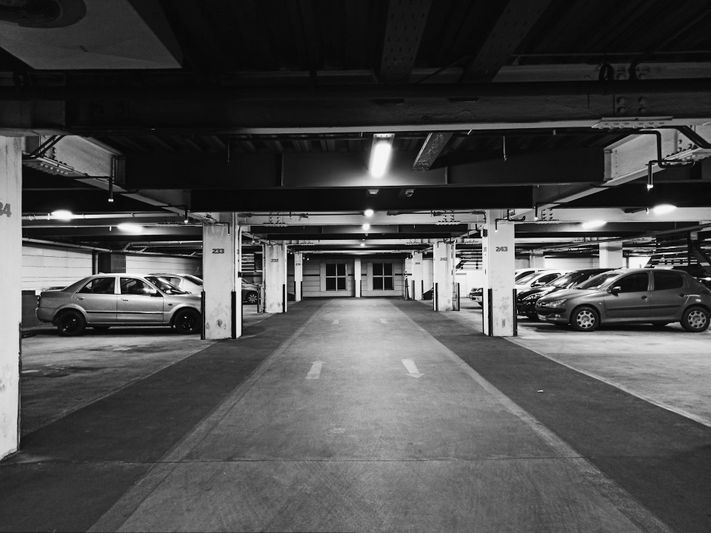
Parking garage incident footage often captures far more than the event itself. In addition to the people or vehicles directly involved, it may show bystanders, neighboring cars, reflections, payment kiosks, and repeated views of the same faces or plates across multiple frames. In practice, organizations usually reduce that exposure by applying face blurring and license plate blurring before a clip is published or disclosed. The objective is to preserve the narrative of what happened while reducing the identifiability of uninvolved people and vehicles.
In this context, visual redaction is a practical step taken before release, not a claim of perfect anonymity. A redacted clip can still contain contextual clues such as clothing, timing, location, or vehicle characteristics, so the goal is risk reduction rather than complete elimination of all identification risk. Many U.S. organizations use this approach to support data minimization, reduce avoidable privacy exposure, and align with the same redaction logic commonly seen in public-records responses and other controlled disclosures.
Why a parking garage incident video needs visual redaction?
Parking structures concentrate people and vehicles in a confined area. Faces and plates are often close to the camera, visible in reflective surfaces, and repeated in multiple angles or frames. If footage is released without redaction, uninvolved people can be identified more easily than many teams initially expect. Public agencies in the United States often rely on privacy-oriented redaction before release under the federal FOIA or, more commonly, under state public-records laws, where privacy interests are balanced against disclosure. In that broader U.S. context, Exemption 6 and Exemption 7(C) are frequently cited as the core federal privacy references for records that can include visual media. Private businesses often adopt similar redaction practices to reduce reputational, privacy, and litigation risk when sharing footage with insurers, partners, media, or the public.
Scope and limitations of automated detection
Automated detection is intentionally narrow. In many file-based workflows, reliable automation focuses on faces and license plates only. That does not mean every potentially identifying element in a garage video is detected automatically. Logos, tattoos, name badges, printed names, and computer or kiosk screens still require manual review and masking. Full-body blurring is also outside the scope of this workflow because it removes too much scene context. Teams that want a shared internal vocabulary for these distinctions can use the Glossary as a reference when documenting redaction rules and reviewer guidance.
Face blurring and license plate blurring features in practice
The table below reflects a practical, conservative view of what can usually be handled automatically and what still needs a manual pass.
Item | Automatically detectable | Notes |
Faces | Yes | Primary target for visual redaction. Accuracy is context-dependent in low light, motion blur, or heavy occlusion. |
License plates | Yes | Often supported for common plate formats, but angle, glare, dirt, and motion blur can reduce detection confidence. |
Company logos | No | Handled manually using the editor when they materially increase identification risk in context. |
Tattoos | No | Handled manually using the editor. |
Name badges or printed names | No | Handled manually using the editor. |
Computer or kiosk screens | No | Handled manually using the editor. |
Real-time or stream anonymization | Not supported in this workflow | This is file-based post-processing of recorded media. |
Deployment model | Often on-premise | Processing can stay inside the organization’s environment rather than being sent to external cloud services. |
Logging of detections | Depends on configuration | Verify in product documentation and your deployment settings what metadata, audit logs, or processing logs are stored. |
For teams evaluating tooling, representative samples from the same facility are more useful than generic test footage. Lighting, camera height, lens type, reflections, and garage-specific movement patterns can materially affect results. An on-premise option such as Gallio PRO is often reviewed in this kind of environment because it supports a controlled, file-based workflow without requiring cloud transfer.
A practical workflow for a parking garage incident video
A repeatable workflow usually produces better outcomes than ad hoc editing, especially when multiple cameras captured the same event.
- Create a working copy from the original evidence and document the source file hash or equivalent integrity record. Keep the original sealed or otherwise protected under internal evidence-handling policy.
- Normalize the footage if needed. Modest deinterlacing, stabilization, or exposure correction can improve face and plate detection in difficult clips.
- Configure detection settings conservatively. Expanding blur radius and increasing temporal persistence can help keep masks over partially occluded or fast-moving subjects.
- Run automatic face blurring and license plate blurring across the clip. Batch processing is useful when the same incident appears across multiple cameras.
- Perform a full review pass. Scrub the whole clip at normal speed, then revisit entrances, elevators, payment kiosks, and gate areas frame by frame because identifiers often cluster there.
- Apply manual redaction for visible logos, tattoos, name badges, screens, or other residual identifiers. This step is essential for complete review coverage.
- Export a redacted master and keep a brief internal note recording reviewer initials, export time, and release purpose.
- Store redacted and original files separately, and make sure retention and logging settings align with policy.
Teams that want to benchmark batch workflows and manual-review effort before standardizing the process can start with the demo and test it on short clips from the same camera environment.
When face masking may be narrowed in publishing?
Whether an identifiable face can be shown without masking depends on purpose, jurisdiction, and the surrounding facts. In the United States, this is not governed by a single nationwide exception rule. Instead, the analysis often turns on whether the use is newsworthy or editorial rather than promotional, whether the person is merely incidental to a larger public scene, or whether the organization has a valid release or other documented permission that covers the intended use.
- The footage is used for newsworthy or editorial purposes rather than advertising or promotion.
- The person appears as part of a broader public scene and is not the clear focal point of the footage.
- The person has given consent or a valid release for the intended use.
Even where one of those factors may help, many organizations still blur non-essential bystanders because it is a low-cost way to reduce risk when the purpose of the clip is to show the incident rather than identify every person present.
On-premise processing, privacy-by-design, and logging
Many teams prefer on-premise processing so that sensitive garage footage remains inside controlled infrastructure. That approach can reduce unnecessary transfer risk and make internal review easier to document. It also helps keep the redaction workflow aligned with broader privacy-by-design practices, especially where the organization wants tight control over access, exports, and retention.
In practical deployment, reviewers often compare how similar organizations structure these workflows before locking in policy. The Case Studies section can be useful for that kind of benchmarking. For implementation questions, deployment review, or internal policy alignment, the most direct next step is the contact page .
FAQ: Parking Garage Incident Video
Does automated visual redaction cover everything identifiable in a garage video?
No. Automation typically focuses on faces and license plates. Logos, tattoos, name badges, and screens still require manual masking using the editor.
Can the system blur entire bodies to be extra safe?
No. This workflow is intentionally targeted at faces and plates. Full-body masking removes too much scene context and is not part of the standard approach described here.
Is real-time anonymization supported for live camera feeds?
No. The workflow is file-based post-processing rather than real-time or stream anonymization.
What about low light, motion blur, or occlusions common in garages?
Performance is always context-dependent. Exposure correction, modest stabilization, and conservative mask persistence can help, but manual review remains essential.
Can processing remain fully inside the organization’s network?
Yes. With on-premise deployment, footage can remain local and does not need to be sent to external services during redaction.
Does the software store detection logs or personal data?
That depends on the product configuration and the surrounding environment. Review the documentation and your deployment settings to confirm what logs, metadata, or audit information are retained.
How should exported clips be documented for release?
Record who reviewed the footage, when it was exported, and the purpose of the release. Originals should remain separate from redacted masters under controlled retention.