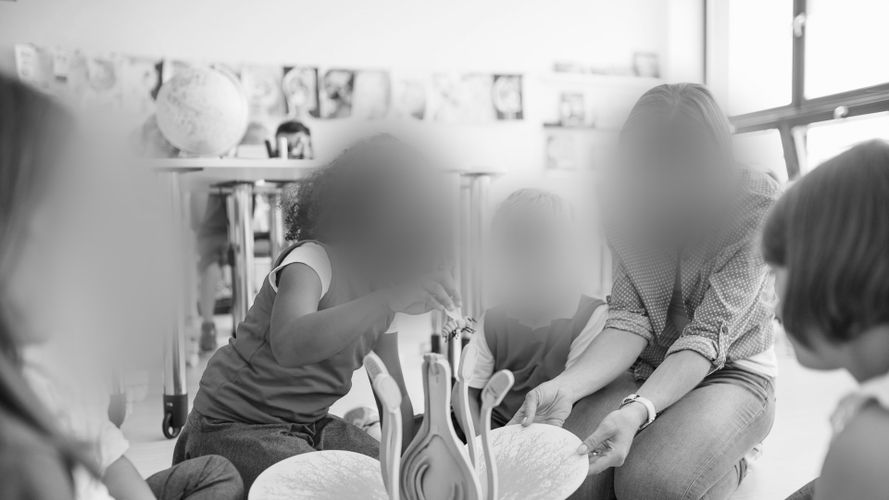
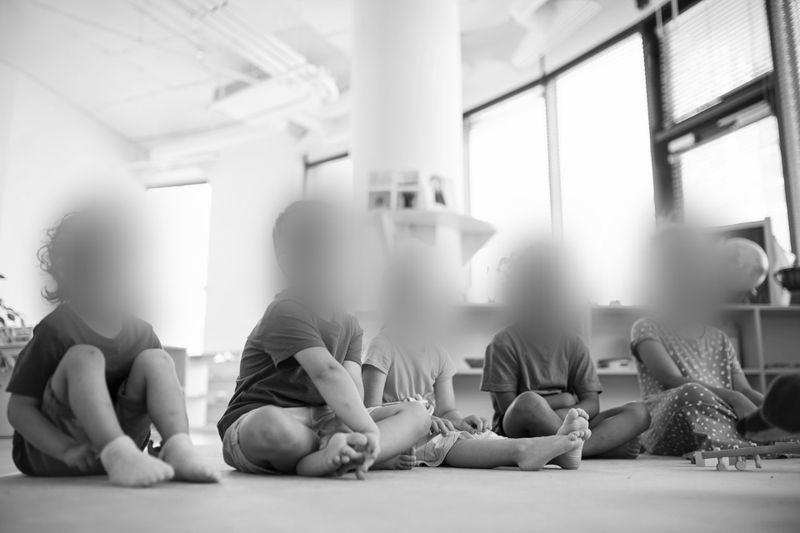
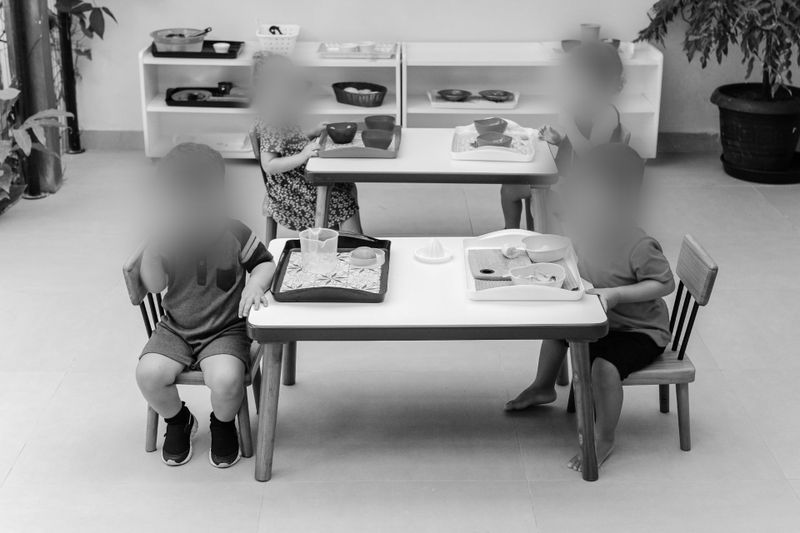
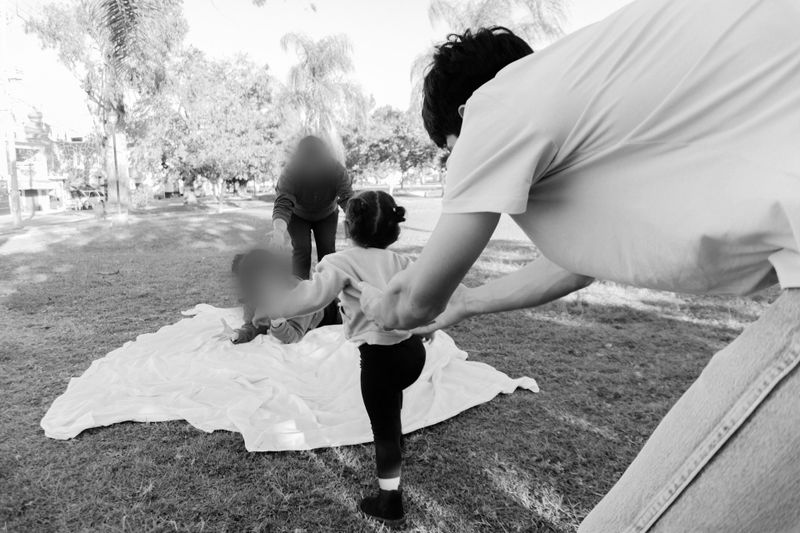
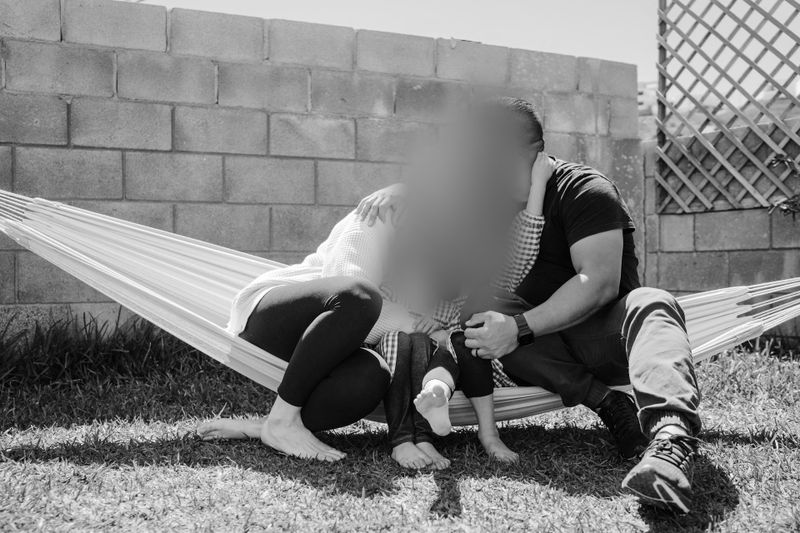
When daycare footage is shared with parents, the main challenge is giving one family useful visibility without exposing other children who appear in the same frame. In practice, this usually means applying face blurring and, where relevant, license plate blurring before a clip is shared through a portal, messaging system, or other external channel. The goal is to preserve the informational value of the footage while reducing the likelihood that other children, staff, or family vehicles can be identified.
Why parent access to daycare CCTV creates specific privacy risks?
Parents usually want visibility into their child’s day. At the same time, other children often appear in the same footage, and vehicles may be visible during drop-off and pick-up. Without visual redaction, a clip that helps one family can inadvertently reveal the identity, routines, or personal details of others. In the United States, the legal framework is fragmented across states and sectors, so many daycare operators follow a practical risk-reduction approach: limit access to a need-to-know audience, apply visual redaction before external sharing, and keep a simple record of who received which clip and why.
U.S. legal context to keep in view
There is no single federal law that directly governs daycare CCTV. Instead, organizations often evaluate several overlapping issues when deciding whether and how to share footage with parents.
First, if footage is made available through an online service directed to children, the Children’s Online Privacy Protection Act (COPPA) may apply to the operator of that online service, which sets rules for collecting and sharing children’s personal information online [1][2]. That does not mean every daycare CCTV workflow is automatically a COPPA issue, but it does make online access design important. Second, images and videos are widely treated as personal information when an individual can be identified, and U.S. technical guidance recommends de-identification techniques to lower risk before broader disclosure [3]. Finally, programs affiliated with schools may encounter Family Educational Rights and Privacy Act (FERPA) questions when a photo or video is maintained by an educational agency or institution, or by a party acting for it, and becomes part of a student record [4]. These references do not replace legal advice, but they support a structured approach to visual redaction and access control.
A practical 5-step workflow for sharing daycare CCTV with parents
- Define the purpose of sharing. Internal viewing by a single parent to confirm a routine may justify a narrower disclosure than public-facing marketing materials or multi-family updates.
- Extract the minimal segment. Cut the shortest clip that shows the necessary moment and avoid sharing broader classroom activity than needed.
- Apply visual redaction. Use face blurring for all non-consenting children and staff as required by policy. Use license plate blurring for any visible vehicles in drop-off or pick-up areas.
- Review and export. Manually check for identifiers that automatic detectors may not cover, such as name tags, tattoos, corporate logos, or text on classroom boards and device screens.
- Control access. Share through an authenticated channel, restrict downloads where possible, and record who accessed the clip and when.
What “good enough” looks like for daycare contexts?
Visual redaction is a spectrum, not a binary switch. The appropriate level depends on audience size, distribution channel, and sensitivity of the scene. For example, a short clip delivered to one parent through a secure portal may justify a narrower blur treatment than a highlight video placed on a public website. Where uncertainty exists, the common operational response is to increase the strength and area of the blur, shorten the clip, and remove anything not necessary to the purpose of sharing. Teams that want consistent internal terminology for these decisions can use the Glossary as a reference point when documenting policies and reviewer guidance.
Scenario planning for U.S. daycares
Sharing scenario | Primary risks to other children | Suggested visual redaction | Access control notes |
Secure portal access for one parent | Accidental identification of peers in the same frame | Face blurring for all non-consenting children; manual review for name tags and classroom boards | Individual account with MFA and clip-level expirations |
Group message to multiple families | Wider audience increases identification risk | Stronger face blurring; crop to the smallest possible area; remove audio if it carries names | Limited recipients; watermark with distribution notice |
Website or social media marketing | Unlimited audience and re-sharing | Aggressive face blurring for all faces; license plate blurring for visible vehicles; manual masking of logos and tattoos | Review against brand and privacy policy before posting |
Vendor troubleshooting or training | External party may retain samples | Full face and plate blurring; redact any readable text; test export to minimal resolution | Vendor NDA and data-retention limits |
On-premise software can reduce exposure by keeping footage inside the facility network. Some teams use Gallio PRO for this kind of workflow because its automation scope is explicit rather than overstated. The software automatically blurs faces and license plates only. It does not automatically detect corporate logos, tattoos, name tags, documents, or content shown on screens, and it does not blur entire silhouettes. Those additional elements require manual masking in the built-in editor. The software is designed for file-based processing rather than live-stream redaction.
Logging claims should also be handled carefully. If a daycare needs to state that no logs containing detection results or personal data are retained, that should be verified against the product documentation, application settings, operating-system logging, and any surrounding infrastructure such as proxies, endpoint tooling, or crash reporting. In practice, that point should be validated during deployment review rather than assumed from marketing language alone.
For teams that want to test the workflow on representative classroom or pick-up footage, starting with the demo is usually the simplest way to evaluate detection boundaries, manual review effort, and export handling in a controlled environment.
Operational checklist for consistent results
- Approve a written policy describing when redaction is mandatory and who can approve exceptions.
- Standardize blur strength and minimum face region so outcomes do not vary excessively between reviewers.
- Record consent for children who may appear unblurred and scope that consent to a specific channel, audience, and time period.
- Keep exports small by reducing duration, resolution, and metadata to the minimum necessary.
- Re-review any clip that will be reused for a new audience, platform, or purpose.
How teams usually operationalize privacy-by-design
For many childcare settings, privacy-by-design is less about a single legal rule and more about building repeatable guardrails around access, minimization, and review. That typically means keeping raw footage internal, producing a redacted derivative for sharing, and making sure staff understand the limits of automation. Teams that want examples of how similar operational patterns are applied across sectors can review the Case Studies section and compare which parts of those workflows translate well to daycare environments.
For facilities formalizing reviewer procedures, deployment controls, or training expectations, the most direct route is the contact page , where operational requirements can be discussed in the context of on-premise handling and manual-review workflows.
FAQ: Parent Access to Daycare CCTV in the U.S.
Is face blurring always required before sharing daycare CCTV with a parent?
It is context-dependent. A common business practice is to blur faces of all non-consenting individuals when a clip leaves the facility or will be seen by more than one family.
When should license plate blurring be used around daycares?
Whenever vehicles are visible in footage shared outside the facility. Drop-off and pick-up areas often capture plates, and blurring reduces identification risk for families and staff.
Can automatic detection handle everything in a classroom?
No. Automatic detection in this workflow covers faces and license plates only. Name tags, logos, tattoos, and screen content still require manual masking.
Is on-premise software preferable for childcare environments?
Many organizations choose on-premise software to keep footage inside their network, reduce reliance on third-party processing, and avoid creating additional data flows.
Can redaction be applied to live streams?
The common operational approach is to export minimal clips, apply blurring, then share the resulting file. That makes review, QA, and access control easier to document.
Does Gallio PRO store detection logs or personal data?
That should be validated against the actual deployment. If you need a strict statement about log contents, verify the application settings and the surrounding infrastructure rather than relying on a generic assumption.
What if a parent grants consent for their child to appear unblurred?
Scope consent to a specific use, time window, and channel, then still apply blurring to other children and bystanders who remain outside that consent.