TL;DR: Cameras in US nursing homes and assisted living facilities are governed by separate, state-by-state rules that vary widely - and footage after a fall or a dispute with staff often carries a HIPAA dimension too. Before a family member, power of attorney, or a regulator receives a copy, other residents, visitors, and identifying background details need to be blurred. Gallio PRO automatically blurs faces and license plates, while room numbers, name plates, or medical records get redacted manually in the built-in editor - locally and with no detection logs. Download the free demo to try the process on your own footage.
Visual data anonymization in senior care and assisted living settings means preparing photos and video so material can be shared, published, or handed to a family member after an incident without unnecessarily exposing the identity of other residents, staff, or visitors. In practice, that mostly means face blurring, and in specific situations also concealing license plates, ID badges, room numbers visible in frame, and other readable identifying details.
In the US senior care sector, this topic carries particular weight. The reason is simple: in many states, cameras in resident rooms are regulated separately, sometimes in significant detail. On top of that, footage from after a fall, a suspected neglect incident, or a dispute with staff is often requested by family, a power of attorney, or a regulatory body. That creates tension between the right to information about an incident and the privacy of other people visible in the footage.
Download the free demo →
Why Senior Care Monitoring Needs a Different Approach Than Standard CCTV
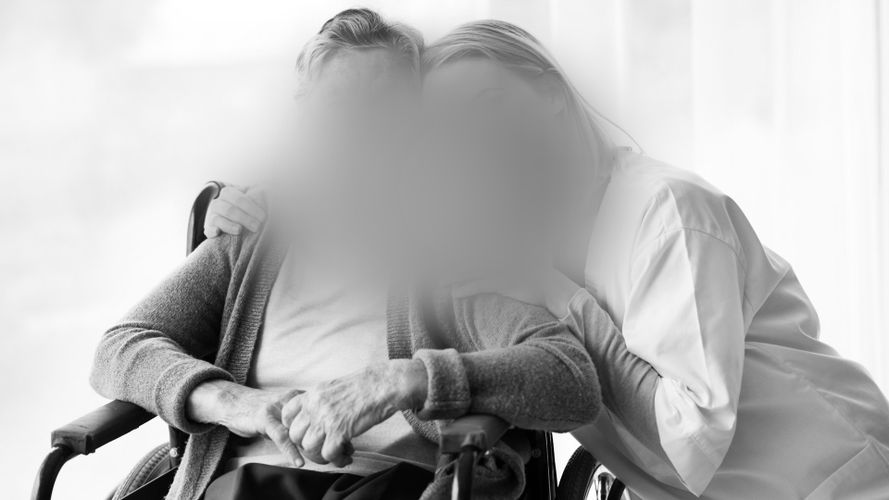
Assisted living facilities, nursing homes, and other long-term care settings operate in a high privacy-risk environment. A camera may capture not just an incident, but also a resident's daily routine, care activities, medical visits, and the presence of a roommate. In many cases, footage may therefore contain information tied to health status, which brings HIPAA into the picture as well [1][2].
That doesn't mean every recording is automatically covered by HIPAA. It depends on who's the custodian of the material, what purpose it's processed for, and whether the footage becomes part of health information that identifies a person. In compliance practice, a common approach is a cautious default assumption: if the footage shows a resident in the context of care, treatment, a fall, medical transport, or a staff intervention, publishing or sharing it without image redaction carries elevated risk.
Resident Rights and State-by-State Differences on In-Room Cameras
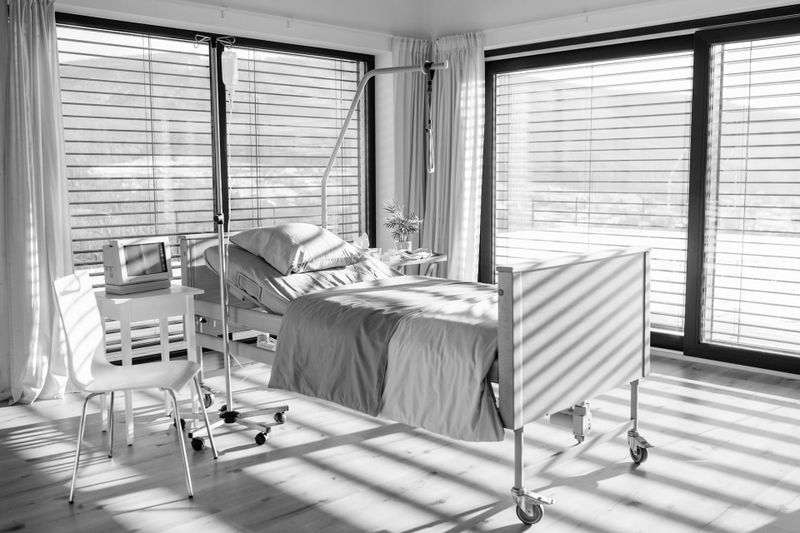
There's no single uniform model for cameras in resident rooms across the US. Some states have passed laws permitting so-called electronic monitoring in resident rooms under specific conditions. Typical elements of these regulations include resident consent, roommate consent, a duty to notify the facility, a requirement for visible monitoring signage, and rules around who funds the device - family or the resident [3][4][5].
The distinction between a nursing home and assisted living also matters. Some state statutes cover only specific licensed facility types. That's why organizations often shouldn't carry a policy from one segment over to another without verifying the legal basis in that state. In practice, a safe operational model starts with a map of state requirements per location, and only then moves to the publication and disclosure procedure.
Risk area | Typical compliance question | Relevance for image redaction |
Camera in a resident's room | Does the state require consent from the resident and any roommate? | If a roommate appears in the footage, their face typically needs to be hidden before further disclosure. |
Request for footage after an incident | Does the family have a right to a copy, or only to view it? | Even with a legitimate disclosure, other people visible in the material often still need to be blurred. |
Material tied to healthcare | Could the footage contain information that qualifies as PHI? | Expectations rise around minimizing disclosure and controlling the scope of visible data. |
Marketing publication | Does the frame show residents who aren't the subject of the piece? | Face blurring should cover bystanders even when they're not the main focus of the footage. |
The most common mistake is handing over the full recording without selecting a segment or redacting it. Footage from a hallway, a room, or a common area can expose other residents, their health status, how they move, their presence during procedures, or even who visits the facility. From a good-practice standpoint, organizations often apply a visual minimization rule: the recipient should see only what's necessary to explain the incident.
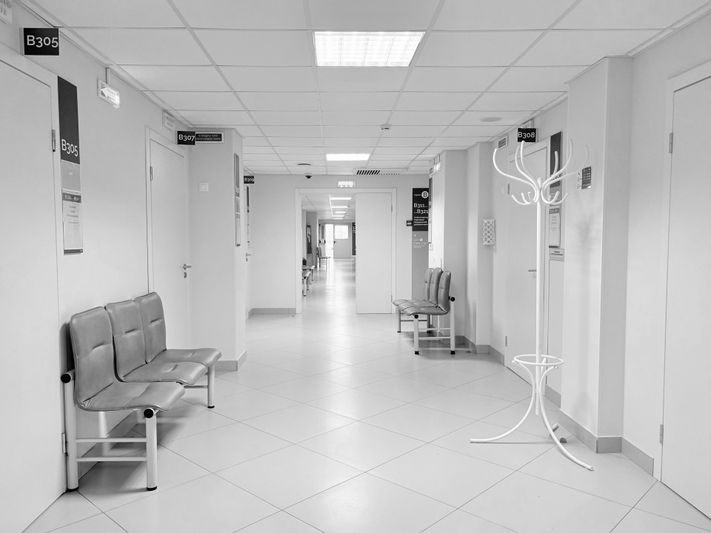
In practice, this usually means four steps: (1) trim the footage to the period immediately before and after the incident; (2) assess who besides the resident involved appears in frame; (3) apply face blurring to other residents, visitors, and sometimes staff, when identifying them isn't necessary for the purpose of disclosure; (4) check background elements - name plates, room numbers, the nurse's-station screen, or paperwork visible on a counter.
This is exactly where Gallio PRO is useful as on-premise software for visual data anonymization. For operationally sensitive facilities, it matters that the tool runs locally, without needing to move material into an external environment. It also matters that Gallio PRO doesn't collect logs containing detection data or personal data.
Which Anonymization Techniques Actually Matter in Senior Care
In a care facility environment, two techniques are key: face blurring and manual redaction of background elements. Automatic detection shouldn't be presented as broader than it actually is. Gallio PRO automatically blurs faces and license plates, but not full silhouettes, company logos, tattoos, name badges, documents, or screen content. Those elements can be hidden manually using the built-in editor.
This matters for procedural accountability. In a senior care facility, the risk source isn't only a face. A door with a room number, a medication chart left in frame, or a caregiver's ID badge can be just as problematic. That's why best practice isn't running one automated pass and calling the task done. A final human review is needed.
Anyone wanting to test this workflow on their own material can do so by downloading the demo version and testing the process on a short clip from an incident or a common area.
See how Gallio PRO anonymizes video footage.
Face Blurring for Family Disclosure vs. Face Blurring for Marketing Publication
These two scenarios aren't the same. When sharing footage with family after an incident, the goal is explaining a specific event. When publishing for marketing, the goal is promoting the facility. In the first case, the scope of the material should be limited to the necessary minimum. In the second, the risk is typically even higher, because distribution is broader and exposure lasts longer.
That's why, even if a facility has consent from one person featured in a promotional video, that doesn't resolve the problem of other residents incidentally visible in the background. In that kind of material, face blurring should generally cover all bystanders, unless the organization has a separate, adequate basis and knowingly accepts the risk.
- Qualify the request - confirm whether the requester is entitled to receive the material.
- Secure the original without edits, with access controls.
- Prepare a working copy for redaction in Gallio PRO.
- Redact the footage - blur other residents' faces and any identifying background elements.
- Run a quality check before releasing the copy.
In this procedure, separating the original from the copy prepared for disclosure is especially important. The original remains operational evidence, while the copy is the disclosure-limited version. This approach is often consistent with the minimum necessary principle when working with sensitive information [2].
State Regulations: Why a "One Policy for Every Location" Approach Often Fails
Texas, Illinois, Minnesota, New Mexico, Oklahoma, and Washington are among the states that have, in various forms, regulated or considered regulating electronic monitoring in resident rooms at long-term care facilities [3][4][5][6][7][8]. But they differ in the details. In some jurisdictions, roommate consent is central; in others, it's the duty to post monitoring signage, or precise rules around refusal. Because of that, a corporate-level network policy often needs local addenda.
In practice, that means the decision on whether and how to share material with family shouldn't ignore the footage's source. A recording from a camera installed under a state statute in a resident's room carries a different context than footage from general CCTV in a hallway or lobby.
For senior care facilities and multi-site operators, four things matter:
- whether the solution runs as on-premise software;
- whether the scope of automation is described honestly;
- whether manual correction is possible;
- whether the vendor is clear that this isn't real-time anonymization or video-stream anonymization.
Gallio PRO doesn't perform real-time anonymization and doesn't blur full silhouettes. Automation covers faces and license plates; other elements require work in the editor.
If an organization is planning a multi-state deployment, an isolated environment, or specific requirements for incident material, it's worth contacting the team to discuss the deployment scenario and how to work with copies intended for disclosure.
FAQ: Video Surveillance in US Senior Care and Assisted Living Facilities
Can a resident's family always get the full recording after an incident?
Not always. It depends on the basis for the request, the requester's status, the type of facility, and state law. In practice, a common approach is to release a limited version, with other residents and identifying elements blurred.
Do staff faces need to be blurred too?
It depends on the purpose of disclosure and the organization's policy. If identifying staff isn't necessary to explain the incident, many organizations consider redacting those faces as well.
Is automatic face detection enough on its own?
No. In senior care facilities, name plates, room numbers, background documents, and screen content can matter just as much. Those elements usually need manual review.
Does Gallio PRO blur residents' full silhouettes?
No. Gallio PRO automatically blurs faces and license plates. It doesn't blur full silhouettes and doesn't automatically detect tattoos, logos, name badges, documents, or screen content.
Does Gallio PRO work in real time on a camera feed?
No. Gallio PRO does not perform real-time anonymization or video-stream anonymization. It's built to work on saved photo and video material.
Does footage from a resident's room follow the same rules across the entire US?
No. State rules differ significantly. Resident consent, roommate consent, monitoring signage, and the range of facility types covered by the statute all matter.
Does the tool store logs with detection data?
No. Gallio PRO doesn't collect logs containing face or license plate detection data, or logs containing personal or sensitive data.
Written by the Gallio PRO team - data-protection and video-engineering specialists building anonymization software used in healthcare, security, and the public sector. This article is general information, not legal advice.
Preparing footage to release to a family after an incident? Test the process on your own files. Download the free Gallio PRO demo →