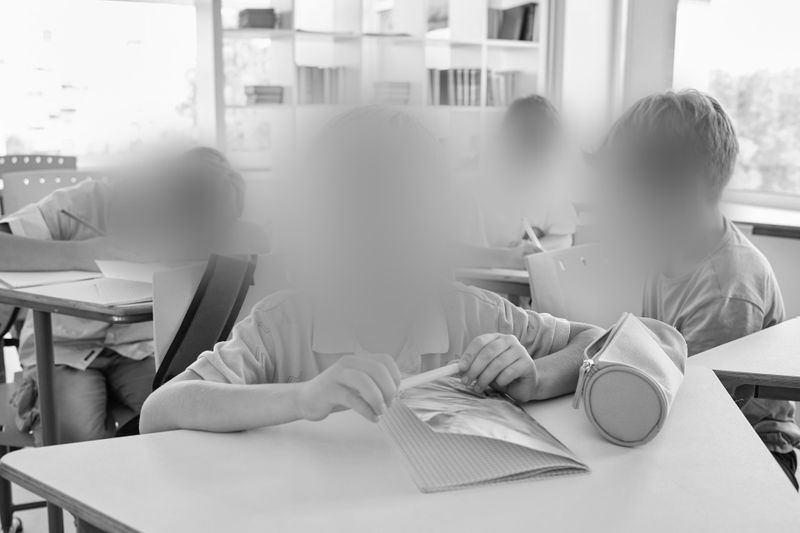
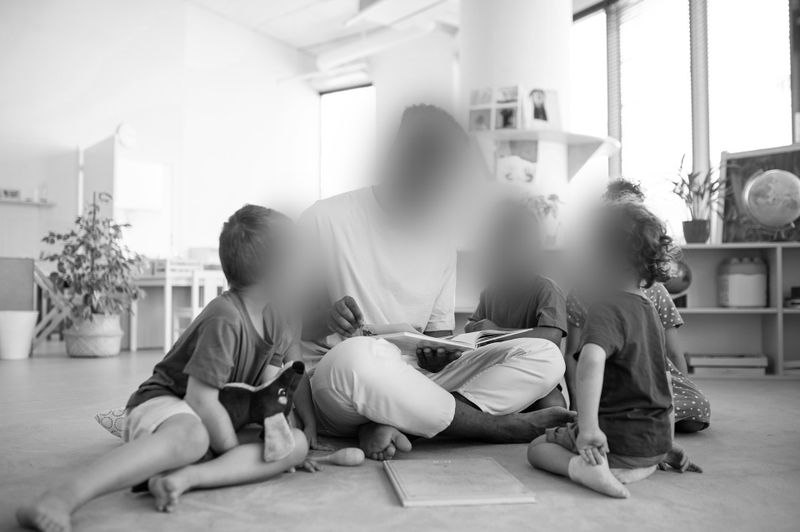
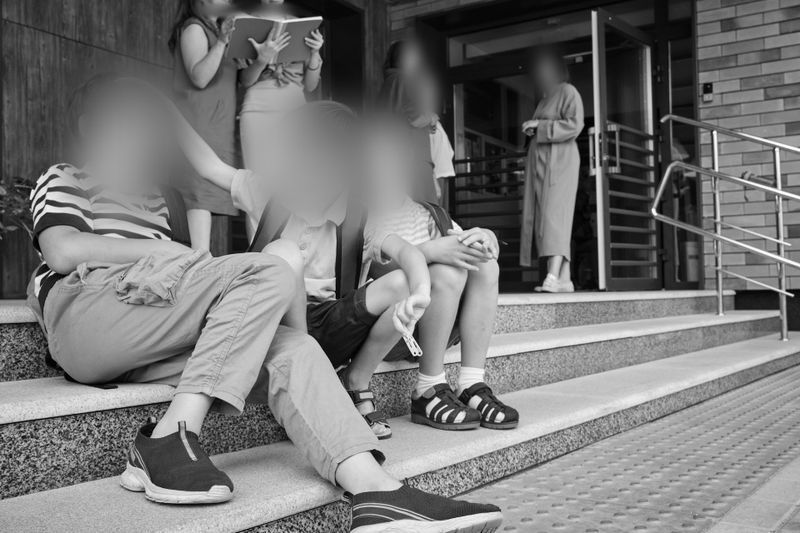
FERPA video redaction is a practical approach to protecting student privacy when sharing CCTV clips. In most school workflows, that means obscuring student faces (and other identifying details) so the exported video can be disclosed to an eligible parent, used in an internal investigation, or handled in a records process where applicable - without revealing other students’ identities. This guide outlines a repeatable, district-friendly workflow for K-12 schools, colleges, and vendors who manage school video under FERPA.
What FERPA expects in CCTV exports that include students
Under FERPA, a photo or video that is directly related to a student and maintained by the school (or a party acting for the school) is typically an education record. If the footage can identify a student, it can contain personally identifiable information (PII). When a clip needs to be shared, redaction is a common way to disclose what’s necessary while protecting the identities of other students visible in the same footage.
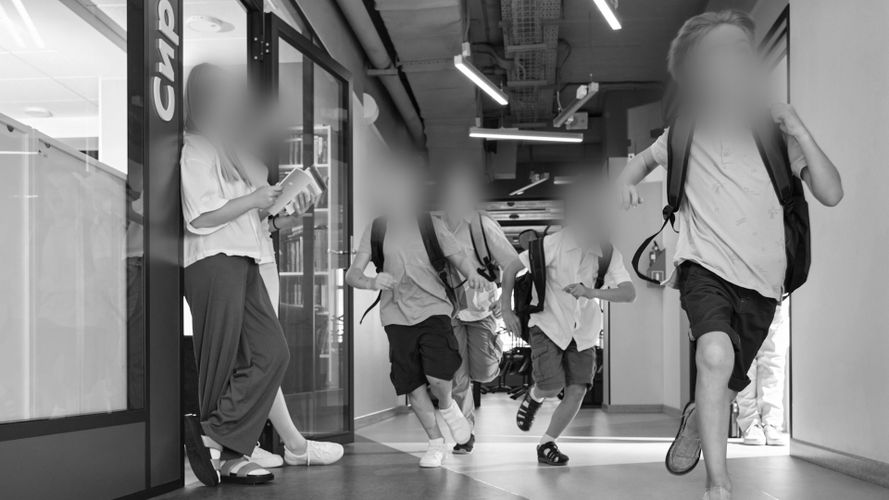
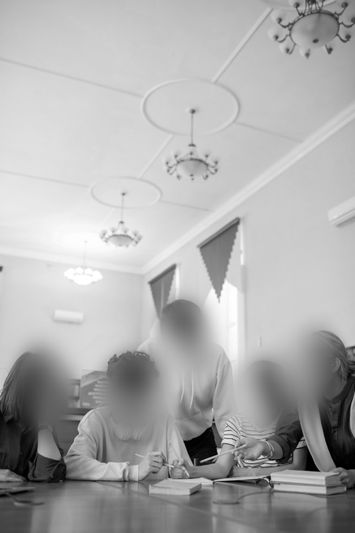
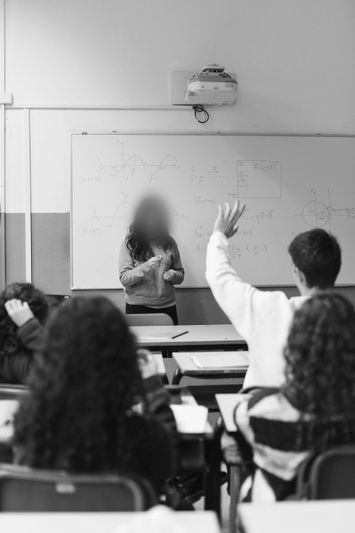
In practice, the operational goal is straightforward: blur faces (and any other identifying visual details) for students who are not the authorized subject of the disclosure. If audio captures student names, muting or bleeping may also be appropriate; this article focuses on the visual layer.
Face blurring and scope limits that matter for schools
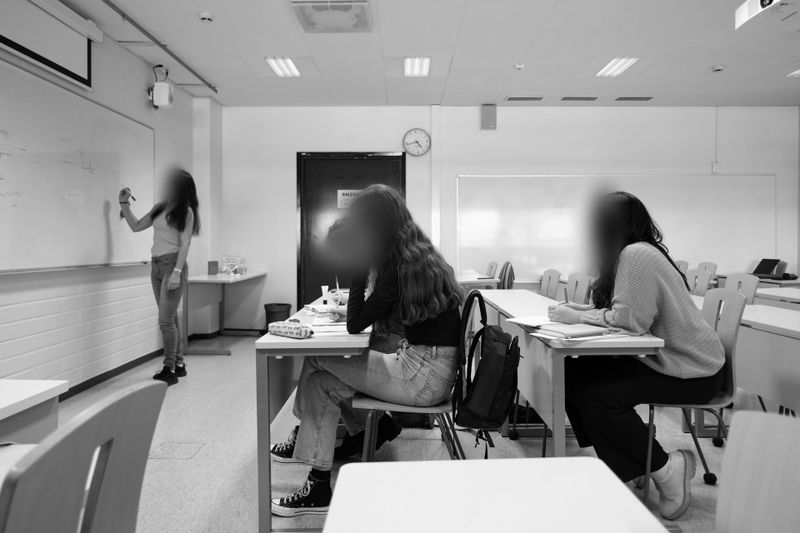
Face blurring is not facial recognition. The goal is to prevent identification, not to identify individuals. Automated face blurring can significantly reduce review time, but it should not be treated as a fully autonomous compliance mechanism. In real-world school footage, visual identifiers such as student ID cards, printed documents, whiteboards, and computer screens often require manual masking. A careful FERPA process always includes a human review pass.
Many districts implement on-premise redaction tools to maintain tighter operational control over sensitive footage. Solutions such as Gallio PRO operate locally rather than in the cloud, which can simplify internal security review and chain-of-custody documentation. Automated blurring is typically limited to faces (and optionally license plates), while other identifiers are handled manually within the editing interface. Real-time stream anonymization is generally outside the scope of FERPA-focused export workflows, which center on controlled post-event review.
A repeatable workflow for FERPA-ready CCTV exports
- Define the scope. Confirm the time window, camera IDs, and the purpose/recipient for the disclosure under FERPA. Note whether audio is present.
- Work from a copy. Export the relevant footage to a secure workstation. Retain the original unaltered file to preserve integrity.
- Keep handling controlled. Limit access to the footage and store working files in a restricted location. (Many teams choose on-premise tools to reduce transfer and exposure risk.)
- Run automated face blurring. Apply automatic face blurring, then review the full timeline to catch occlusions, motion blur, off-angle faces, and brief appearances.
- Apply manual masks. Cover student IDs, name tags, visible documents, and screen content as needed. If vehicles appear, consider license plate blurring based on your disclosure context and district policy.
- Render and review. Export the redacted version and review it end-to-end to confirm that no student is identifiable.
- Document the release. Record who performed the redaction, what was masked, the tool/version used, and the rationale for disclosure. This supports consistent FERPA documentation and repeatability across cases.
If you want to test this workflow on real clips without changing your production process, you can try the demo on a few representative exports and see how it fits your review steps.
Common disclosure scenarios and what to redact
- Parent request involving multiple students. Provide the relevant portion, while blurring faces (and other identifiers) for students who are not the subject of the request.
- Records requests (where applicable). Redact students and other individuals unless disclosure is clearly permitted. Align with district counsel and your district’s records process, including any exemptions or required formats.
- Internal safety investigations. Unredacted access may be appropriate internally with strict access controls. Prepare a redacted version for any external sharing.
- Law enforcement engagement. Disclosures may be possible under FERPA exceptions in specific circumstances. Many districts still produce a redacted derivative for any broader distribution beyond the immediate need.
- Marketing / PR content. Treat this as broad publication. Use documented consent where required by district policy, and blur faces/identifiers for anyone without it.
On-premise processing and audit needs
For many U.S. districts, keeping CCTV exports inside a controlled environment is a priority. On-premise processing reduces data transfer exposure and can make audit documentation more straightforward. Tools such as Gallio PRO are designed for local deployment and support automated face and license plate blurring, combined with manual masking for additional identifiers.
When evaluating any redaction software, districts should review:
- Where processing occurs (local vs. cloud),
- Whether audit documentation can be generated or recorded internally,
- What identifiers are automatically detected versus requiring manual review,
- How the tool fits into existing evidence-handling procedures.
If your team is standardizing a FERPA redaction workflow, testing a tool on representative footage before procurement can help validate performance and internal review steps.
In the United States, license plate blurring in school CCTV is often a risk-reduction measure rather than a universal requirement. Whether you blur plates typically depends on your disclosure context (internal use vs. broader release), district policy, and any applicable state or local considerations. If the clip is likely to be shared widely, many teams choose to blur plates alongside faces as a conservative safeguard.
Best Practices for U.S. K-12 Districts Handling CCTV Under FERPA
Beyond the technical redaction steps, strong FERPA compliance depends on operational discipline. Districts that handle CCTV disclosures effectively often implement the following best practices:
- Written redaction protocol. Maintain a documented procedure outlining when redaction is required, how identifiers are defined, and who is authorized to perform or approve releases.
- Role-based access controls. Limit who can access unredacted footage and ensure permissions are reviewed periodically.
- Dual-review for external disclosures. For parent releases or records requests, consider a second reviewer to confirm no student remains identifiable.
- Consistent documentation. Maintain a short redaction log including date, reviewer, tool used, and legal basis for disclosure under FERPA.
- Retention alignment. Align CCTV retention schedules with district policy and ensure redacted derivatives are stored according to the same governance standards.
- Staff training. Train safety teams, IT staff, and communications personnel on what qualifies as PII in video, and when redaction is required before sharing.
These operational safeguards, combined with structured redaction workflows, help districts demonstrate diligence and consistency when responding to FERPA-related video requests.
Quality control and a simple release packet
Before disclosure, many teams run three quick checks:
- Verify that every face other than the authorized subject is blurred across the entire timeline.
- Confirm that high-risk identifiers (IDs, documents, screen content) are masked wherever they appear; blur plates when your context and policy warrant it.
- Save a short memo with timestamps, tools used, reviewer sign-off, and the disclosure rationale.
If you’d like a lightweight way to standardize this process, you can review an on-premise option like Gallio PRO and run a demo on a few sample exports to validate your end-to-end QA.
FAQ: FERPA Video Redaction (Blurring Student Faces in CCTV Exports)
Does FERPA require face blurring in every CCTV export?
FERPA requires protecting PII from education records. Face blurring is a common way to do that when sharing footage that includes multiple students. Whether redaction is required depends on the recipient, the purpose, and whether a FERPA exception applies [1][2].
Is face blurring the same as facial recognition?
No. Face blurring obscures facial features to prevent identification. It does not identify or recognize individuals.
Can schools use cloud services for redaction?
FERPA doesn’t categorically prohibit cloud processing, but districts must ensure appropriate controls and vendor safeguards. Many organizations prefer on-premise processing to reduce transfer risk and simplify audits. Gallio PRO is on-premise and does not provide real-time stream processing [2].
Are whole-body silhouettes blurred?
Not necessarily. Many workflows focus on faces and other direct identifiers. Gallio PRO automatically blurs faces and license plates; other elements are handled manually.
What about name badges, documents, or computer screens captured on video?
These often require manual masking. Plan a dedicated review pass to catch IDs, printed documents, and screen content.
When should license plates be blurred?
It depends on your disclosure context and district policy. For wider sharing, many teams blur plates as a conservative safeguard alongside faces.
How can a district demonstrate diligence when releasing a redacted video?
Keep the original file, the redacted derivative, and a short redaction log (who, when, what was redacted, tool/version), plus the rationale for disclosure. This supports FERPA documentation practices and records workflows [1][2][3].