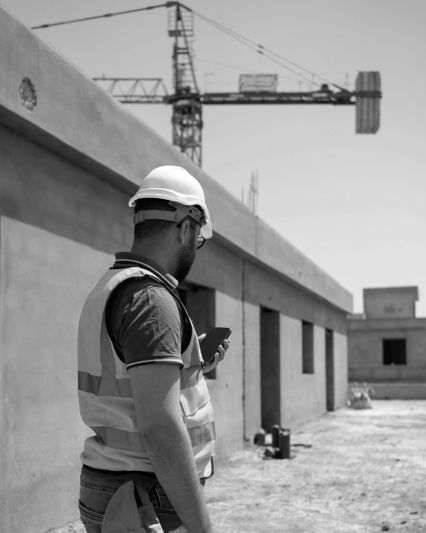
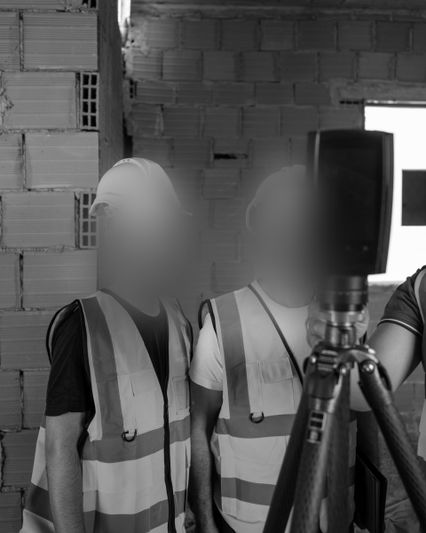
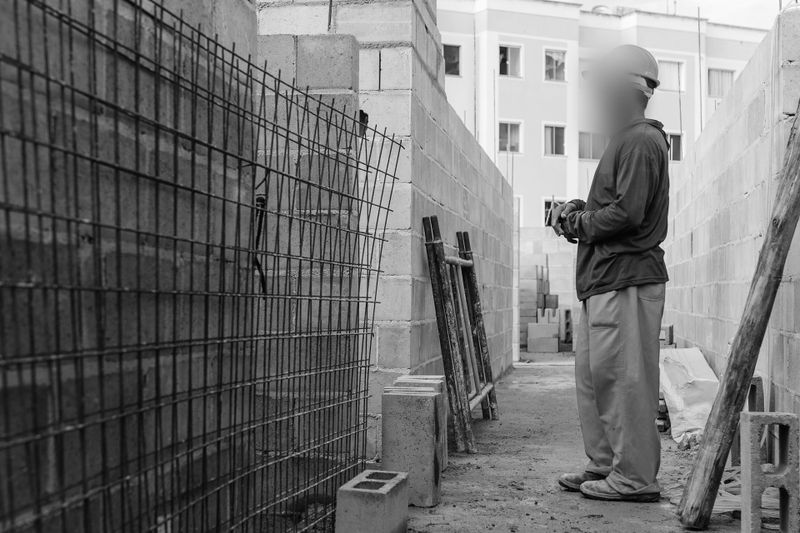
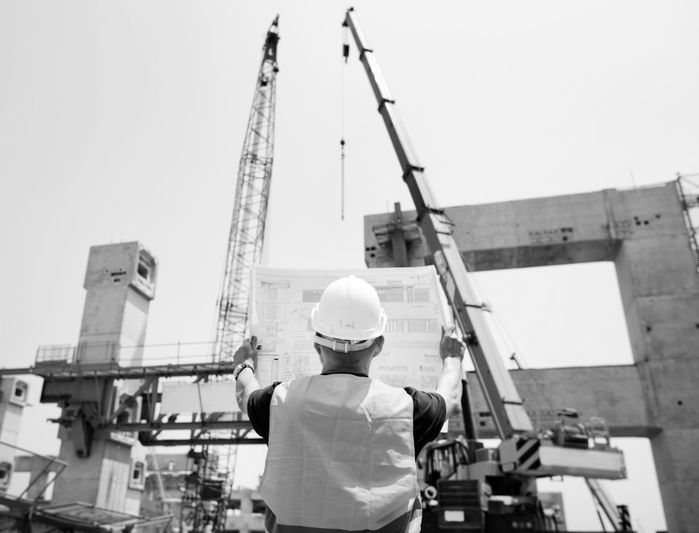
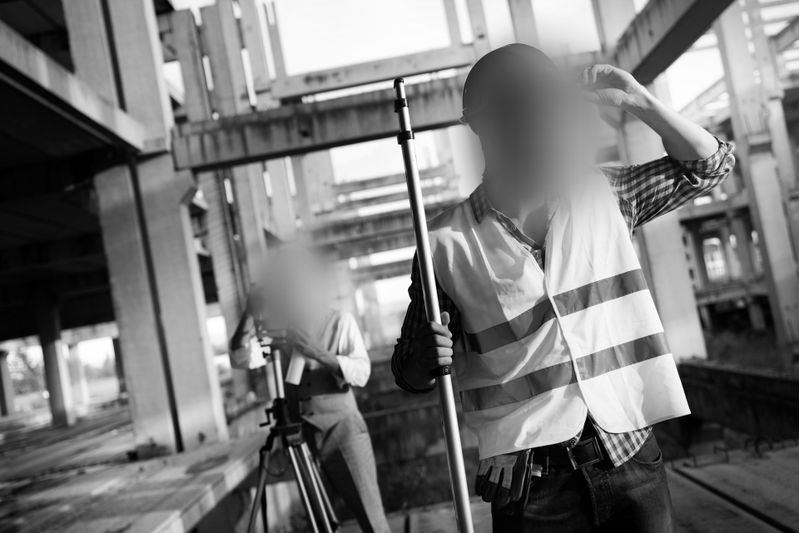
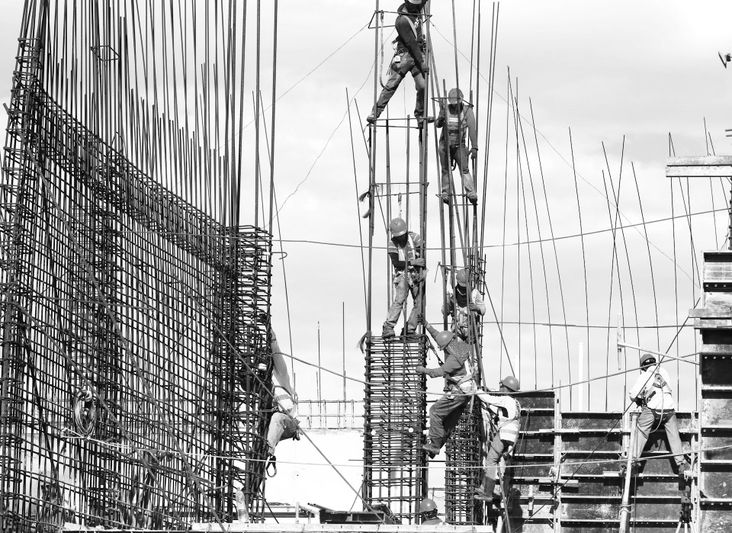
Construction-site footage can be valuable for safety reviews, stakeholder updates, training, and incident communications, but it often captures far more than the event itself. Workers, visitors, subcontractors, adjacent traffic, and pedestrians may all appear in the same sequence. In practice, organizations reduce that exposure by applying face blurring and license plate blurring before a clip is shared outside the immediate investigative context. The aim is to preserve evidentiary or communications value while lowering the risk of exposing people who do not need to be identified.
Publishing or sharing raw incident images or videos can expose bystanders and workers, create reputational harm, and raise privacy and publicity concerns under U.S. law. In California, for example, the CCPA as amended by the CPRA treats personal information broadly, and organizations often view visual minimization as a practical way to reduce unnecessary external disclosure. If a system goes beyond ordinary video handling and starts collecting or using biometric identifiers or biometric information, state laws such as Illinois BIPA may become relevant. For that reason, many teams treat visual redaction as part of a privacy-by-design approach: show what happened, but avoid exposing who was present unless there is a clear reason to do so.
That makes anonymization a common risk-reduction practice for construction incident footage used in training, press relations, stakeholder reporting, or public transparency. It is not a universal legal safe harbor, and the correct approach remains context-dependent, but it is a practical baseline when the purpose of the footage is to explain the incident rather than identify every person in view.
What to anonymize in construction images and videos?
In incident and near-miss footage, the highest re-identification risks typically come from faces and license plates seen at site perimeters, access roads, loading areas, or adjacent sidewalks. A practical baseline is to apply automated face blurring and license plate blurring across all relevant frames, then run a targeted manual pass for residual identifiers such as company logos, distinctive tattoos, name badges, or text visible on site monitors. Teams that want a shared vocabulary for these categories can use the Glossary when documenting reviewer instructions and publishing standards.
A focused toolset matters. In workflows built around Gallio PRO , the automatic scope is limited to faces and license plates. Company logos, tattoos, name tags, documents, and screen content are not automatically detected and need to be masked manually in the built-in editor. The workflow also does not rely on full-silhouette blurring or live-stream processing, which keeps the redaction scope narrower and easier to review.
A simple, repeatable workflow usually produces better results than ad hoc edits made under deadline pressure.
- Scope and intake. Identify the publishing purpose, intended audience, and risk hotspots in the footage such as gates, sidewalks, parking edges, and adjacent public right-of-way.
- Automated pass. Run face blurring and license plate blurring at an appropriate strength and radius across the full sequence.
- Manual review. Add targeted masks for residual identifiers like tattoos, logos, or name tags. Check reflections, monitor screens, vehicle windows, and polished surfaces that may reveal identities indirectly.
- Quality assurance. Review frame by frame around entrances, reflective surfaces, and moving crowds, then export in a format appropriate for the target channel.
Teams that want to test how this works on representative site footage can start with the demo before standardizing the workflow across projects or business units.
When to blur what: incident publishing playbook
Different scene types create different redaction priorities. The table below summarizes common construction scenarios and the minimum controls that usually make sense.
Scene type | Primary privacy risk | Minimum control | Notes for construction context |
Crane incident near a public street | Pedestrians and passing vehicles | Face blurring and license plate blurring across the full timeline | Check background shop windows, bus stops, and parked cars where identities may remain visible |
Gate camera showing worker arrivals | Faces at close range and plates at entry | Automated blurring plus manual masks for visible badges | Zoomed angles often reveal badges, company patches, and uniform identifiers |
Time-lapse for stakeholder briefing | Repeated exposure of the same individuals over time | Consistent face blurring with stable tracking across frames | Consistency matters to avoid partial exposure of the same person across the sequence |
Drone overview of roof works | Public right-of-way visible in the background | Face blurring for pedestrians and plate blurring for adjacent traffic | Wide shots can still preserve identifying detail at high resolution |
Technical settings that determine outcomes
Small settings changes can materially affect the outcome. Blur strength should be sufficient for the actual release context, tracking should remain stable across motion and occlusion, and frame coverage should be checked carefully in time-lapse or high-frame-rate footage. Night scenes and areas lit by headlights or work lights can still expose identities via badges, reflective gear, or illuminated plates, which is why a manual confirmation pass remains important even after the automatic step.
In practice, teams often compare how similar privacy-sensitive workflows are handled in other sectors before locking down internal standards. The Case Studies section can be useful for benchmarking how hybrid auto-plus-manual review is structured in real operational environments.
Publishing versus internal use
Internal safety investigations often keep raw copies for root-cause analysis, while public or external-facing versions go through visual redaction first. Where external publication is necessary, many teams prepare two deliverables: an internally stored evidentiary master and a redacted derivative for broader sharing. That separation fits well with privacy-by-design thinking and helps communications teams explain an incident without unnecessarily exposing bystanders or workers.
For construction teams, the main operational benefit of on-premise processing is that raw footage stays inside organizational infrastructure rather than moving into external processing environments. That is often easier to align with internal security review, subcontractor confidentiality, and incident-governance procedures.
When faces may be shown without blurring?
Even with a strong redaction posture, communications teams often ask when a face can remain visible. In the United States, there is no single uniform exception rule for this. In practice, organizations tend to evaluate a few recurring scenarios:
- the person is a public figure and the context supports lawful publication
- the person appears only as part of a broader public scene and is not the focus
- the person has provided consent or a valid release for the intended use
Where none of those conditions clearly applies, face blurring remains the lower-risk baseline for public release of construction incident footage.
For deployment patterns, reviewer workflows, or internal-policy alignment, the most direct next step is the contact page .
FAQ: Construction Site CCTV and Worker Privacy
Does face blurring alone remove biometric risk?
Not necessarily. It reduces identifiability in what is published, but it does not by itself determine whether upstream systems collected or processed biometric identifiers or biometric information in a way that triggers separate legal duties.
Should license plates always be blurred in incident footage?
As a business practice for public release, often yes. Plates can help identify or locate an owner or operator, especially when combined with time and location context.
Are whole-body masks recommended?
Usually not. Masking faces and plates normally preserves more scene context for safety learning while still reducing the main identification risk.
Can anonymization be done in real time on live CCTV feeds?
Not in this workflow. The approach here is to process recorded clips before sharing them.
What about company logos, tattoos, and name tags?
These are not part of the automatic scope and should be reviewed manually, then masked if they materially increase identifiability.
Is cloud required for incident redaction?
No. Many organizations prefer on-premise processing specifically to keep raw evidence inside their own environment.
How should communications teams validate that no bystanders are exposed?
Use a second reviewer where feasible and run a slow scrub of entrances, mirrors, reflective facades, vehicle windows, and other high-risk areas to catch missed frames.